Here I will be going through my editing process for one of my trailers I have created:
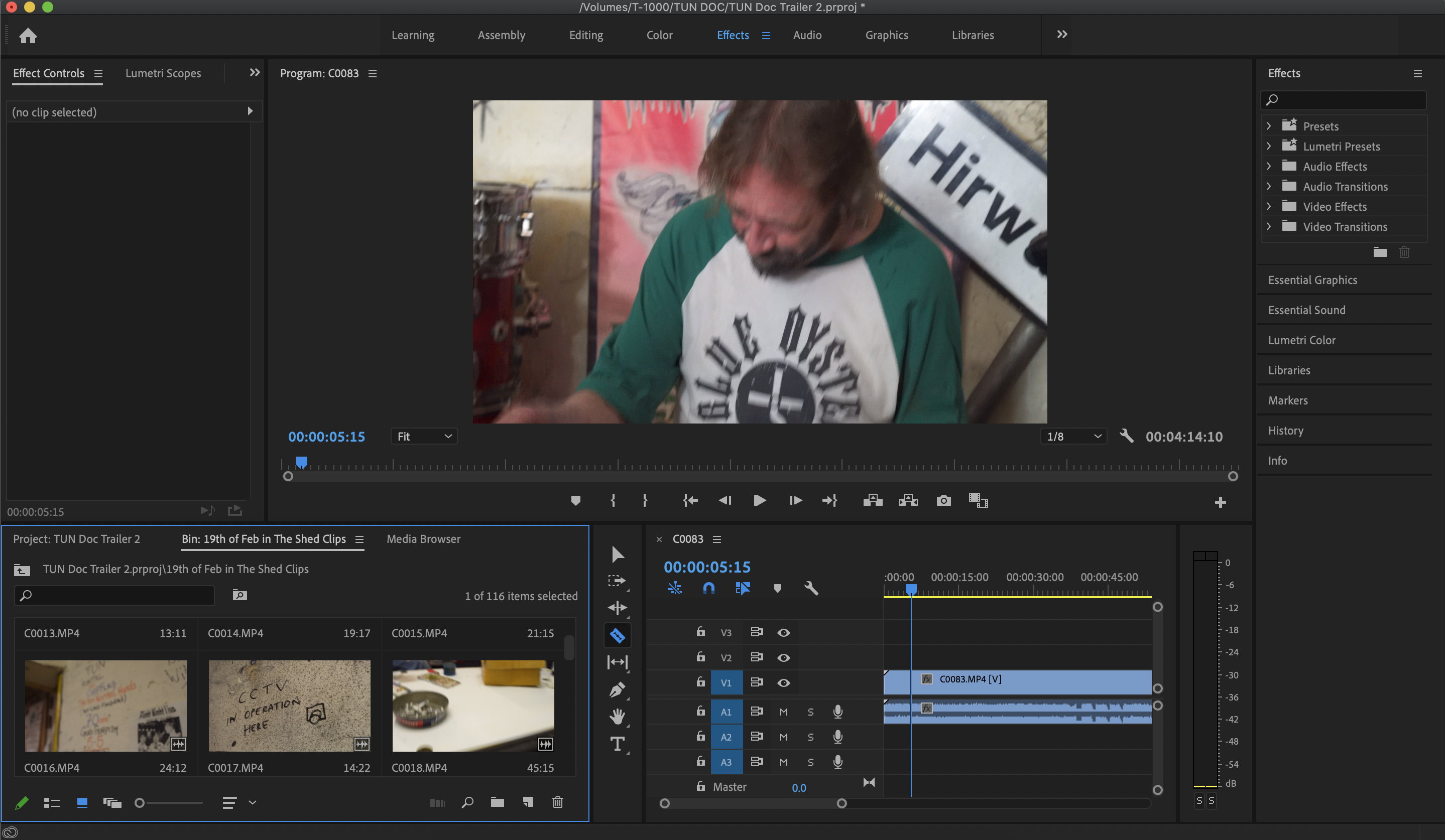
After opening up a new project file, I imported each folder with footage, with them named with the different footage inside them, whether it be location, who I was interviewing and the dates they were filmed to help with time managment and organisation. I then searched through the footage to find which clip I would like to begin with and decided to use this one as I could use the audio of them playing this song as I did not have the actual MP3 of the track. I trimmed down the footage as I only wanted to use a specific part of the footage which is the “Into” section before “Portal begins.
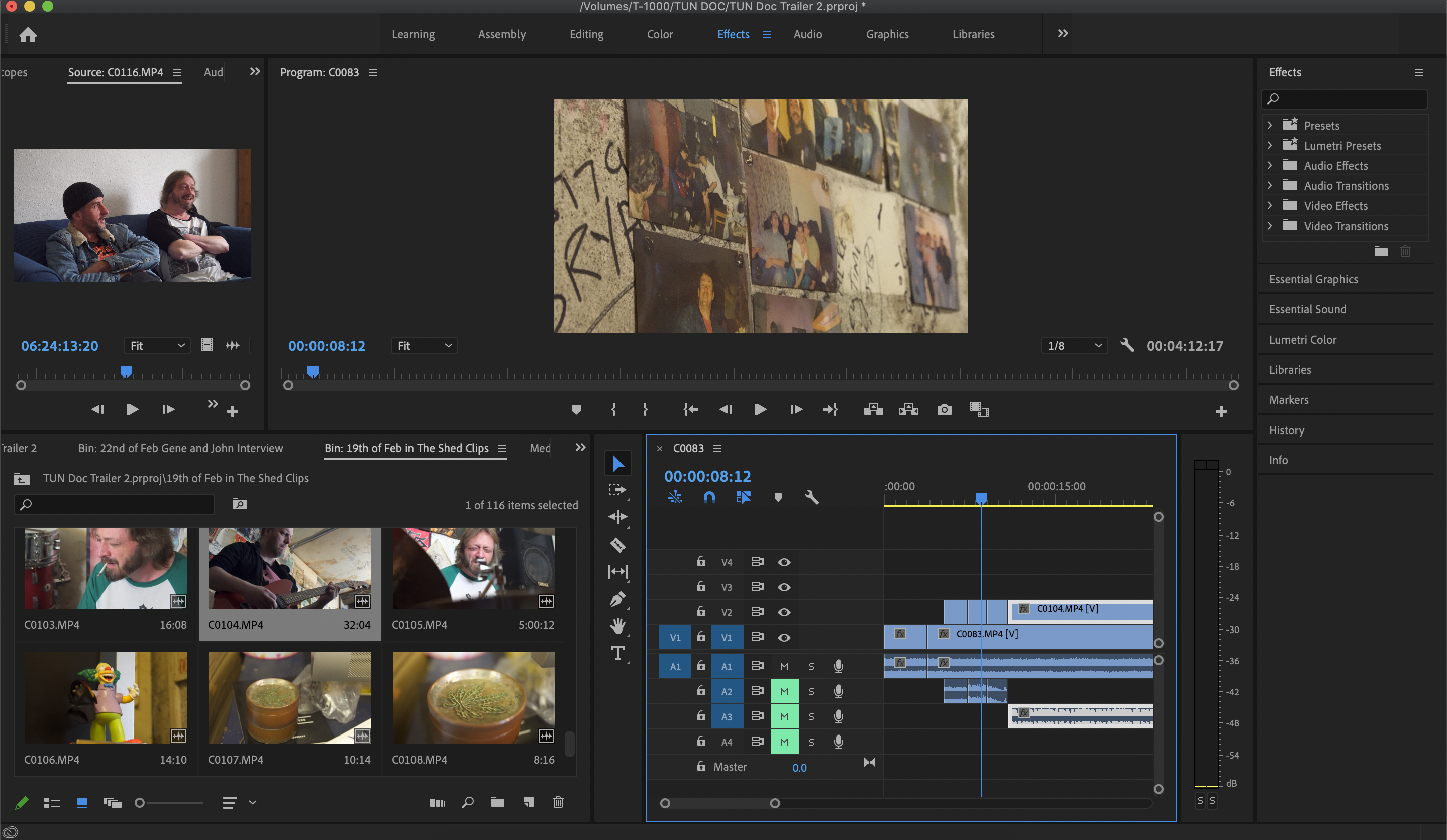
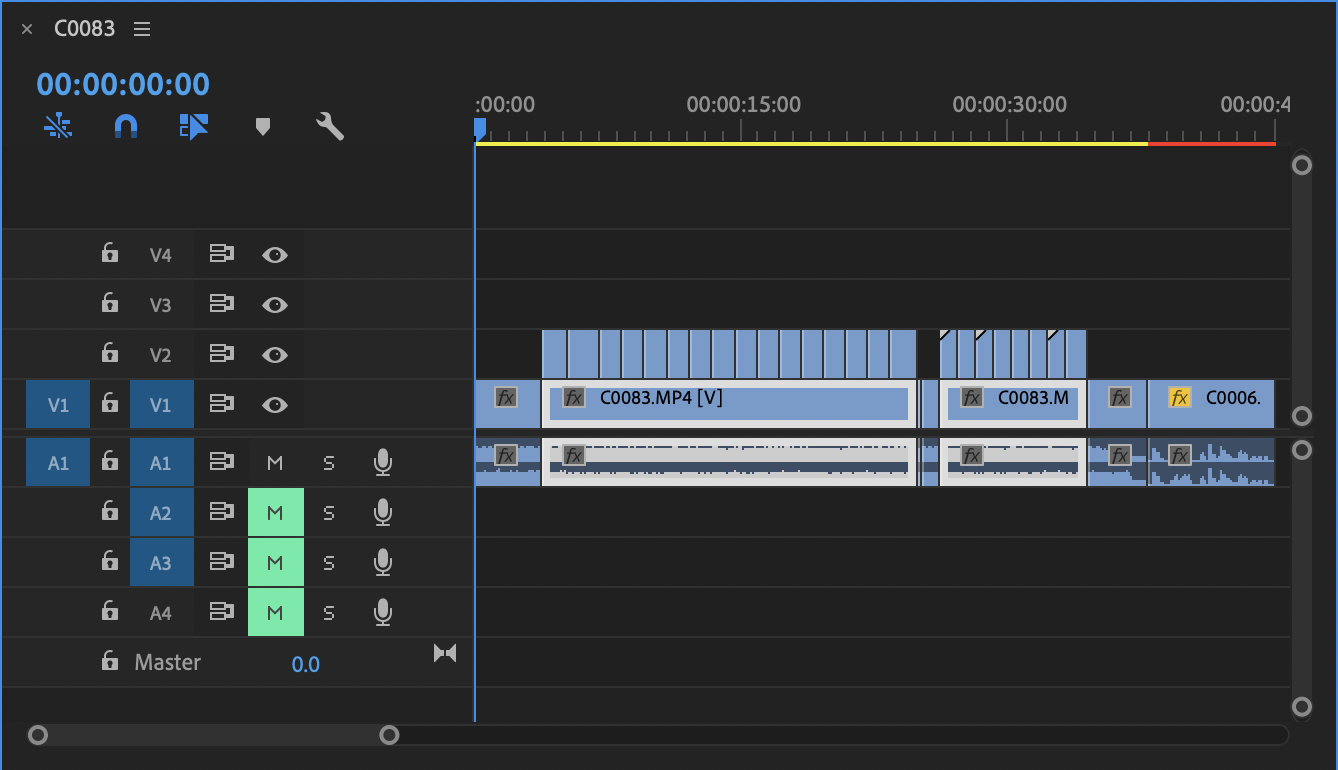
I then began layering above the original clip, other footage and cutting them down so that the sequence flowed better, giving it a more faced paced feel, showing a lot to the audience, whilst also only showing them a little. I kept the original clip underneath for now as I knew I wanted to keep a few bits from the actual footage itself and not just the audio.

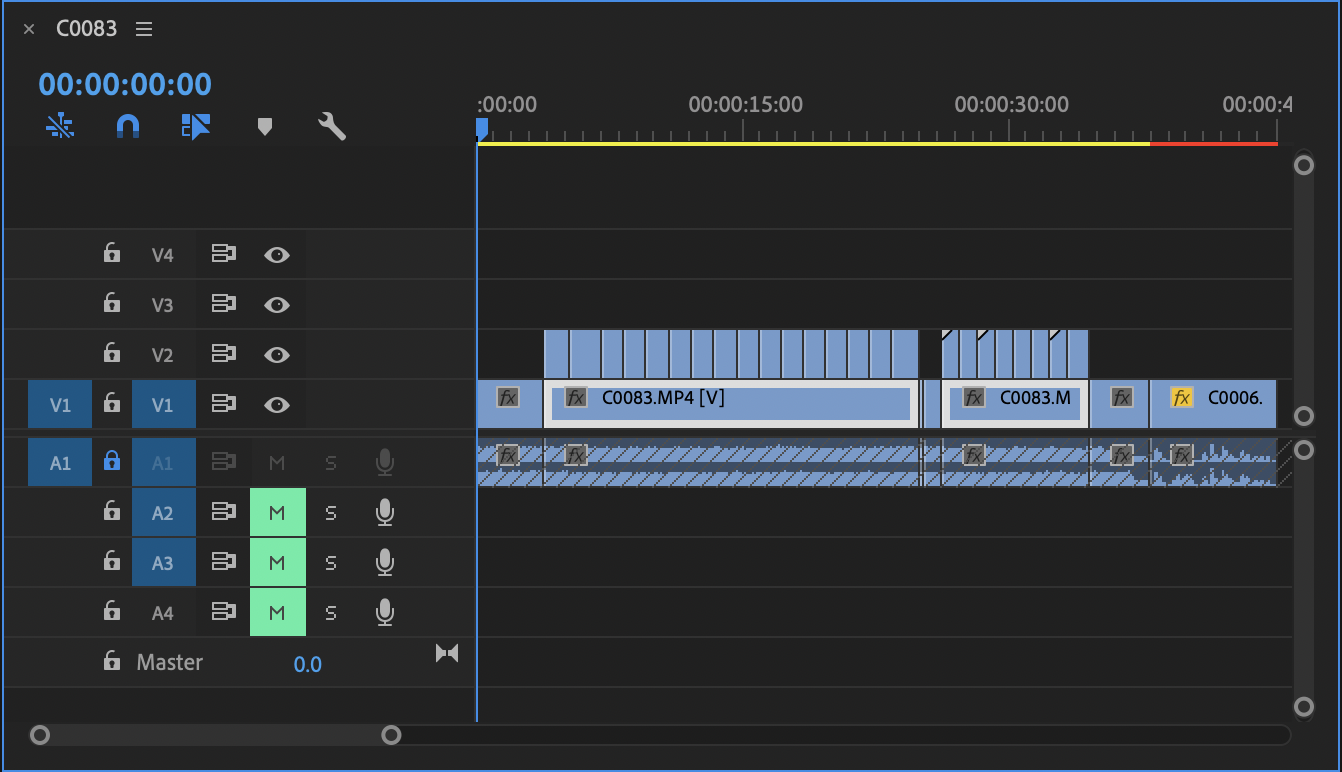
I had now added all of the clips I wanted over the main footage, now I had to highlight all of the top layer footage, lock the video section so that they can’t be altered, then I can remove the audio from all of the clips in one easy click. I’m removing the audio from the clips so that they will not come through the audio of the main clip, making sound weird with random dialogue and other music etc.
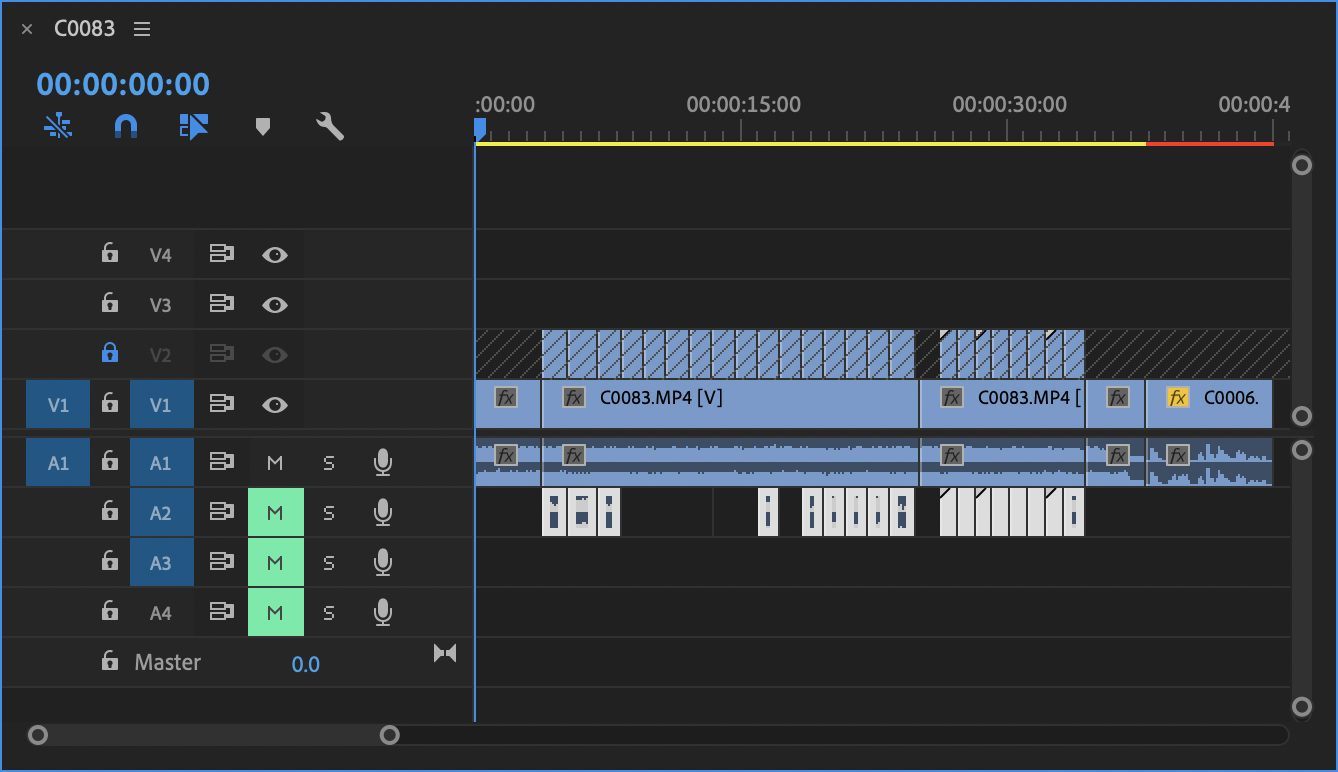
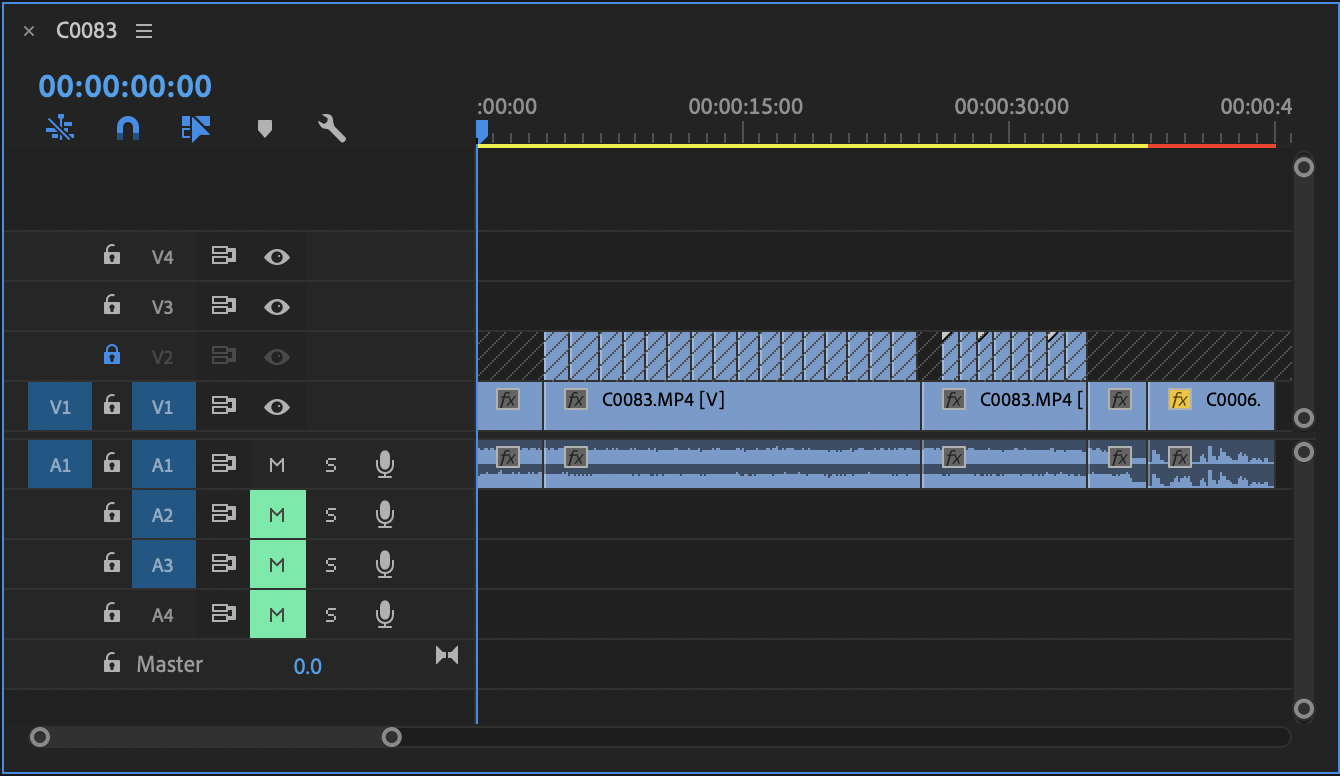
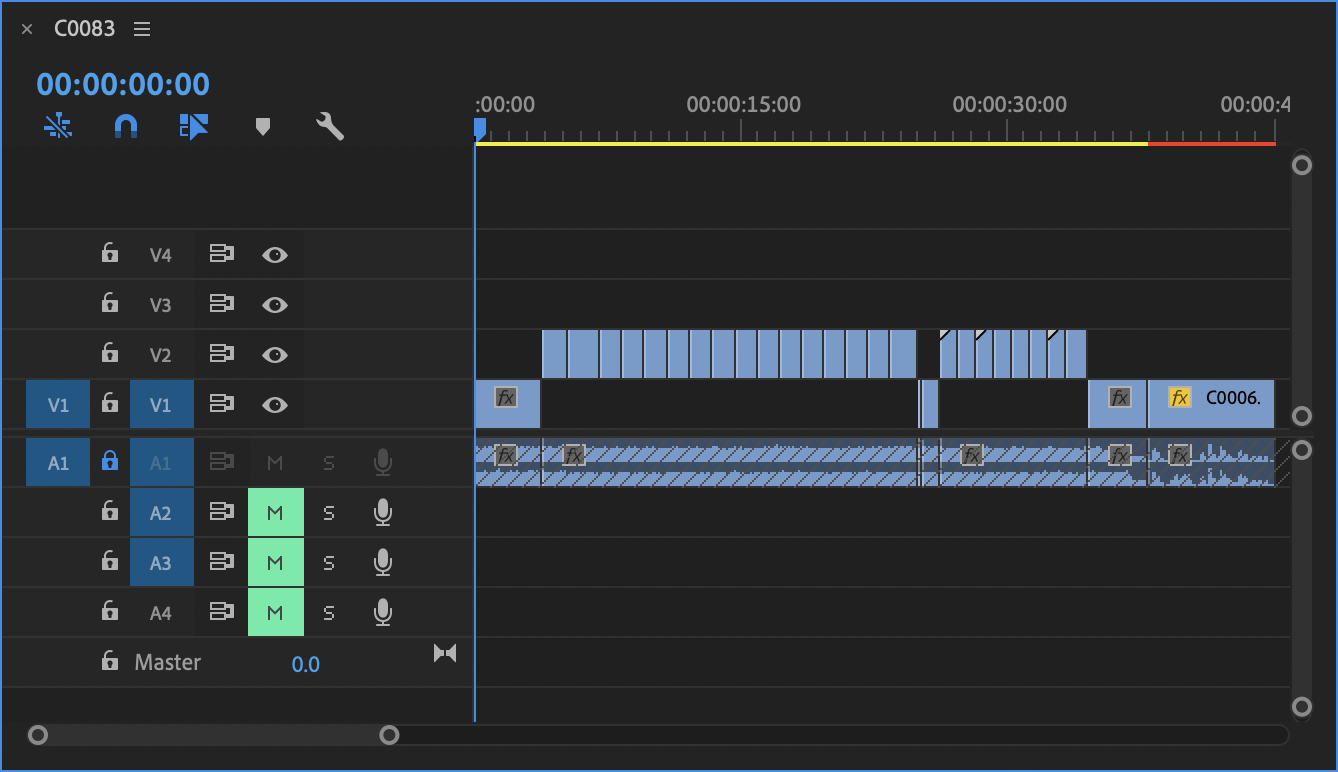
I then did the same with the main clip, however this time I locked the audio track and removed the footage, allowing me to drag the top layer footage down, giving me more room to add text, effects etc.
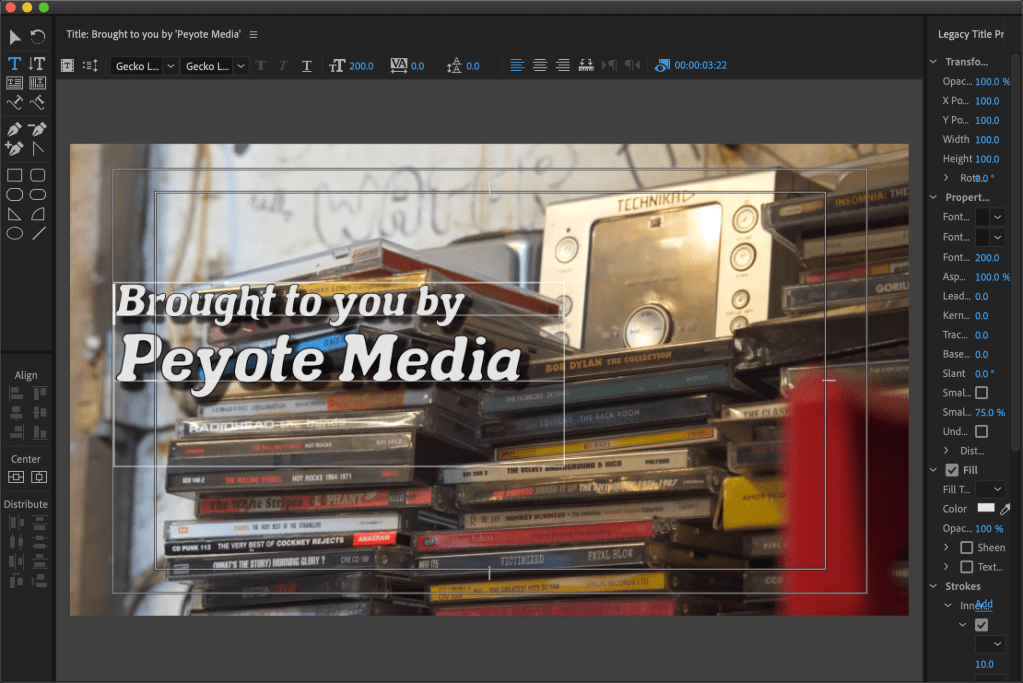
I then created different text boxes using the ‘Legacy Text’ option in the ‘File’ tab. I had previosuly installed a 100% copyright free font I found on DaFont and had used on the trailer I had created before, I feel the font is a good representation of the feel of the bad, even though the song used is rather intense, their music is psychedelic in nature, with their songs “fivepointfive”, “Guru Priapism” and the beginning of “Bogarts, What are Bogarts?” not being as heavy as the rest, especially ‘fivepointfive’ which is their most relaxed and ‘chill’ song they have created, with a strong 70’s vibe to it. After creating the different texts to add into my piece, I placed them where I wanted them to begin and changed the duration of them by making them either longer or smaller in the sequence.

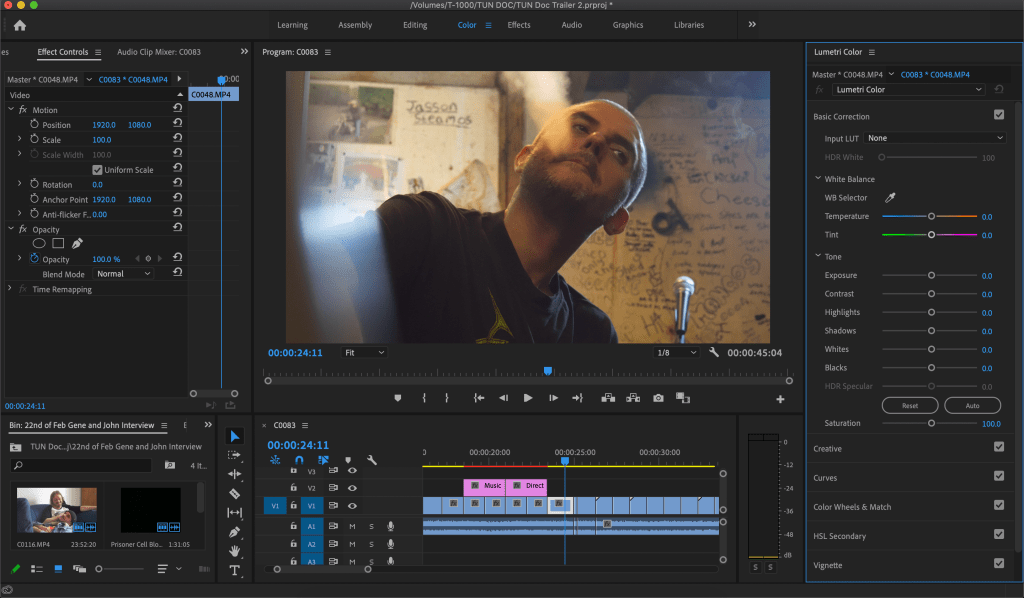
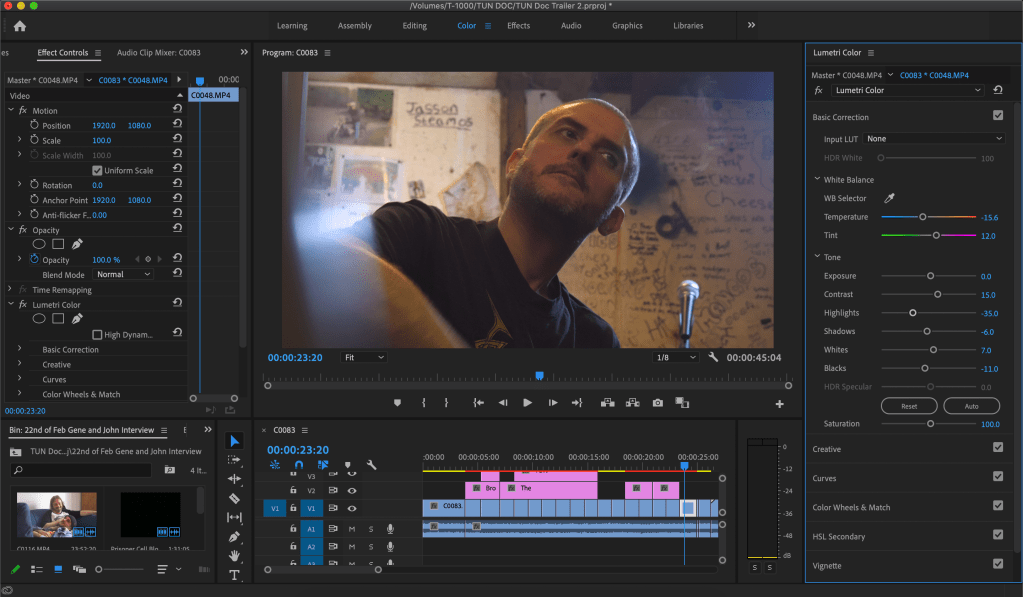
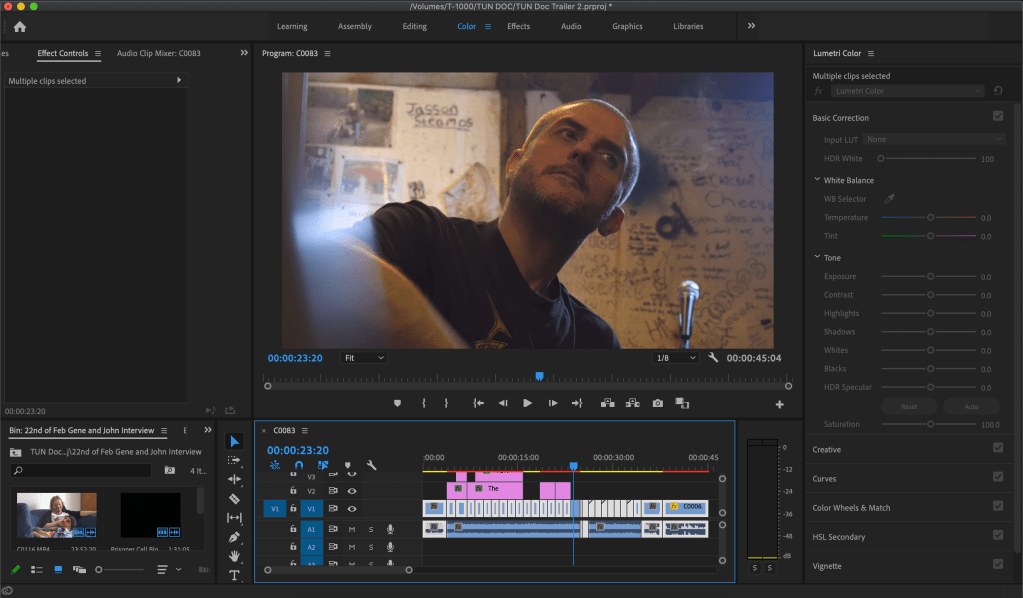
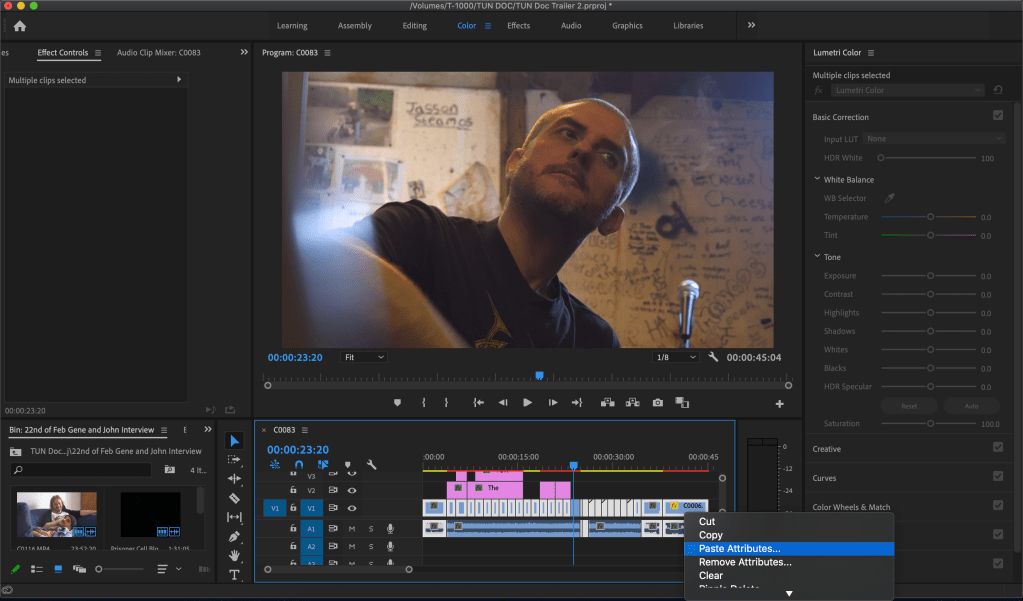
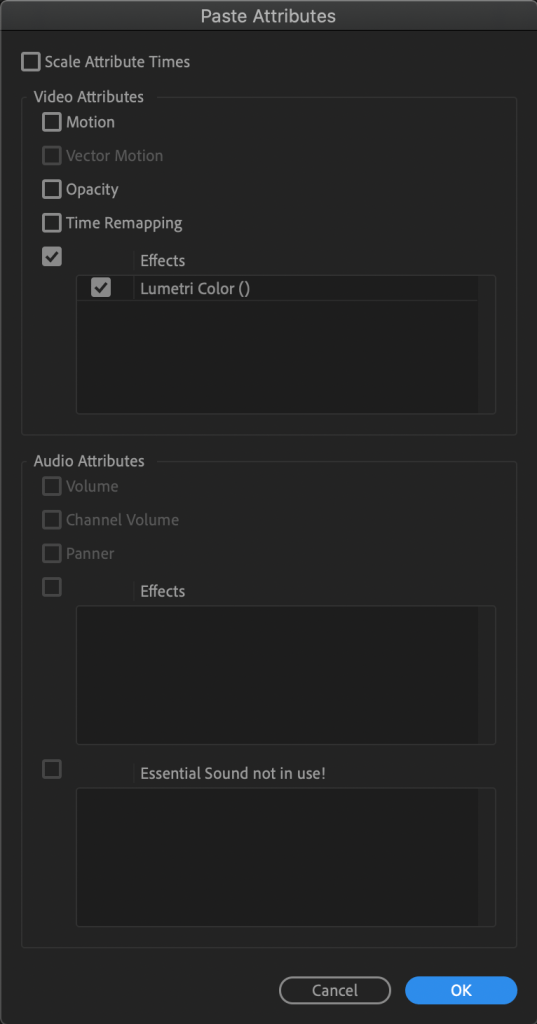
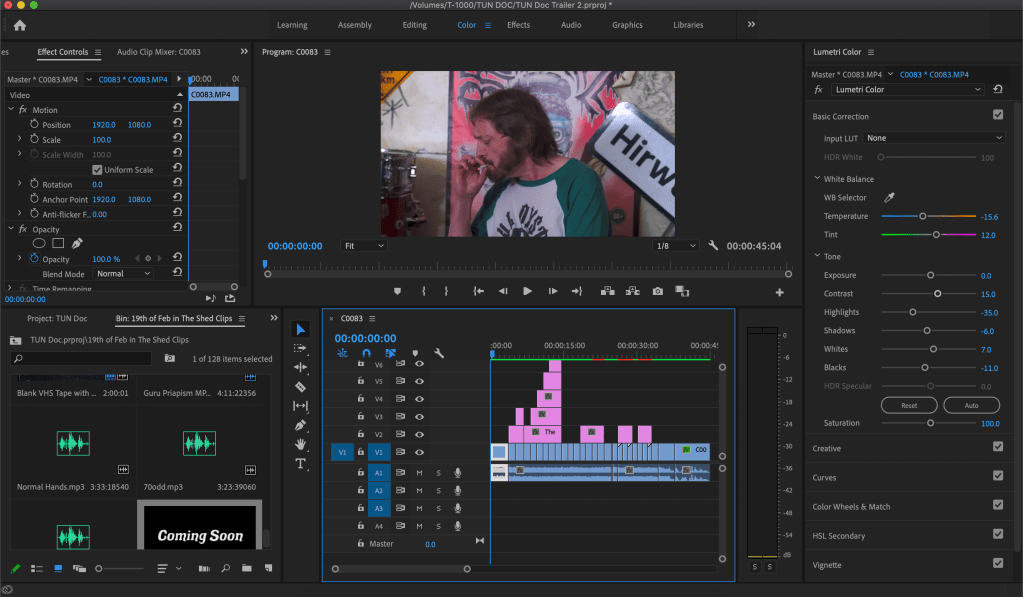
I then began colour grading, mainly white balancing, although I may add more green to the shadows to give it more of a film look that you get with polaroids for example, however the footage is very yellow due to the lights that they have in ‘The Shed’ being tinted yellow, however I brought studio lights and wherever the lights are shinning with those you can see the true colours of the walls, people faces etc. So when I was colour grading I use the WB selector too and used it on the whitest spot in the background which happened to be a peyote smile poster. After this I copied colour graded footage, then highlighted all of the none colour graded footage and pasted the attributes of the copied footaged, however only the lumetri colour section as I did not want to copy over any motion, opacity sound changes etc.
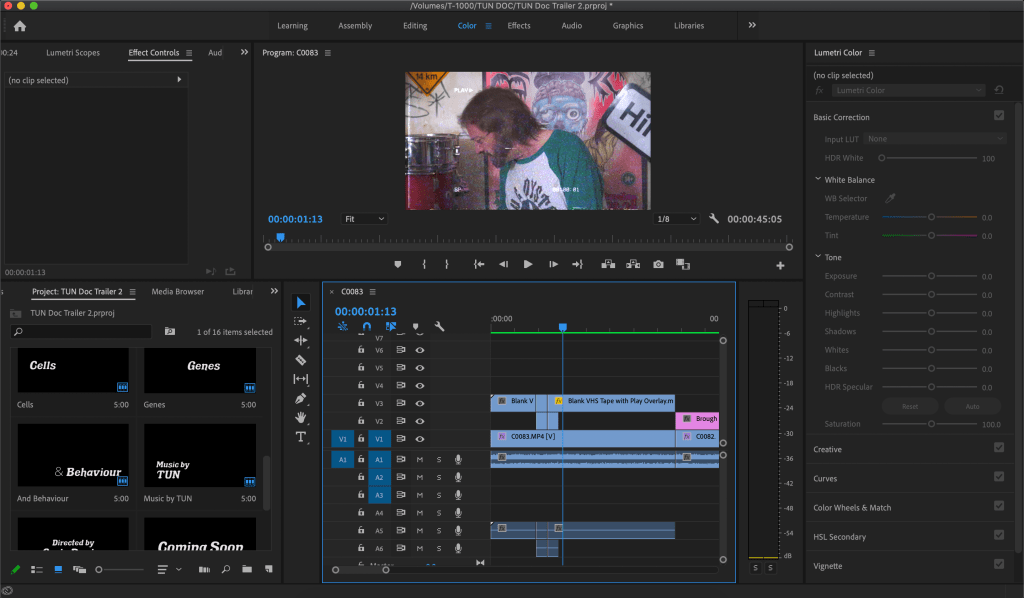
After this I added stock footage of a VHS static effect I found YouTube and added it onto the beginnig and end, just to add a bit of style to the piece and to make them both not start and end so suddenly. After that I rendered the project for a final time and exported it into an MP4.
I then showed both trailers to my girlfriend, my nan and grandad, and the members of the band itself. Most of them said they prefered this trailer to the other I had created, while my uncle suggested I should take aspects from the first trailer and add them into this trailer.
This trailer was fun to make and I may make some small adjustments to it, with the colour grading mainly but all in all I believe I have done a good job and am happy with how it has turned out.
 I'm a 90's Child...